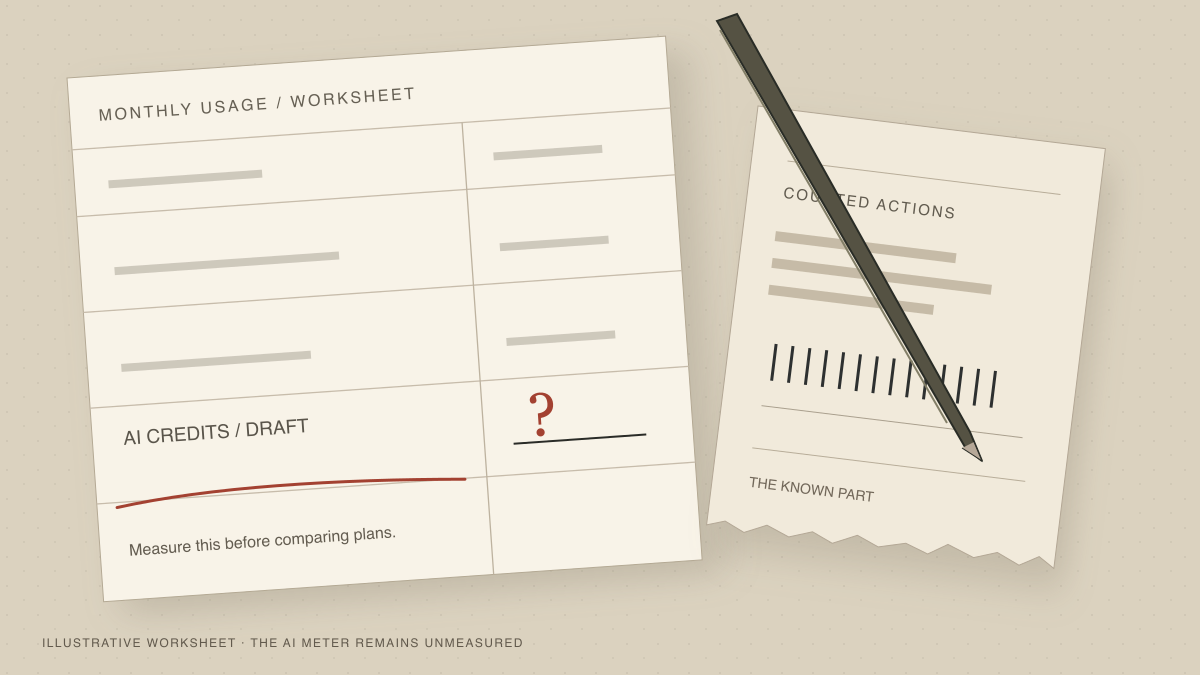
A Zapier pricing comparison gets useful when you count the same workflow on both platforms. Suppose an AI step drafts an outbound email, a person approves it, and the email sends. How many times will it run this month? How many drafts will be rejected? Which actions consume a task or a credit? You need those answers before a plan price tells you anything.
This tutorial builds a small worksheet for that one outbound flow. You’ll count a month of successful runs, then change the inputs to match your own history. The numbers below are an illustrative exercise, not an audit of a customer’s Zapier bill or a promise that migrating will save money.
What you’ll compare
Use a simple path: new lead → AI draft → request approval → send email after approval. For the first pass, assume 100 runs in a month and 100 approved sends. Each run has one AI action, one successful approval action, and one send. There are no paid CRM lookups, code steps, or retries in this example.
On Zapier, a successful action is generally a task. Its own task-accounting guide says triggers, Filters, and Paths don’t count, while each successful Human in the Loop action does. Zapier’s approval documentation says previews and notifications from that action aren’t separate tasks. That matters if you’ve been counting the approval request and its notification twice.
On Rills, an email sent with the native Send Email step uses one Workflow Credit. A Human Review step, trigger, and conditional routing use none. An AI draft is metered against a separate AI Credit pool according to the model work used; don’t assume one draft always equals one AI Credit. An integration action such as a CRM write uses two Workflow Credits, so add it if your actual workflow has one. Rills’ current pricing page lists plan allowances and overage rates for both pools.
Prerequisites
- Your Zapier task history, or a diagram of the Zap you plan to build. Record each action that runs on the approved path. You can still do the exercise without an account, but label the result an estimate.
- A month’s run count and outcomes. Note how many drafts reached review, how many were approved, and how many sends completed. If you have no history, begin with the illustrative 100-run month and replace it later.
- The Rills plan and AI model you would use. Keep the plan’s included Workflow Credits and AI Credits in separate columns. If you don’t know the AI cost yet, leave that cell as a measured variable instead of guessing.
- Any other charges in the workflow. A third-party enrichment subscription, email provider, or connected app may bill separately from either automation platform.
Count a month of approved runs
Draw only the path that actually runs
Put one row in your worksheet for each action on the approved path. In our example those are AI draft, approval, and Send Email. Add a different row for each CRM update, lookup, code step, or additional AI call in your version. Don’t multiply every branch by every run: a run that takes one branch does not execute the others. Start with 100 runs, all approved, to check your arithmetic.
Apply Zapier's task rules
The AI action contributes 100 tasks, the successful approval action contributes 100, and the successful send contributes 100. That’s 300 tasks for this particular 100-run month. The trigger contributes zero; so would a Filter or Paths step if you added one. Check the task history for your exact apps and steps, since failed actions, retries, or different approval outcomes may change the count. Then compare your estimate with the current allowance on the Zapier plan you are considering.
Keep Rills' meters separate
With the same 100 approved sends and Rills’ native Send Email step, enter 100 Workflow Credits for email. Enter zero for the trigger, Human Review, and routing. Put the AI calls in their own column as 100 × the measured AI Credits per draft, not a fixed number invented for this example. If you would replace the native email step with an integration action, change its row to two Workflow Credits per execution. Only then compare each total with the included credits on the selected Rills plan.
Turn usage into a monthly cost
Start with each platform’s current plan price. For Zapier, check whether 300 tasks fit in the plan and what happens when your task allowance is exceeded. For Rills, compare the Workflow Credit total and AI Credit total independently with the plan allowances, then apply the published overage rate to any excess in either pool. Add separate third-party fees on both sides. If AI Credits per draft are unknown, report a range using a small test batch rather than treating that unknown as zero.
Here is the worksheet’s unit count for the illustrative all-approved month. It deliberately stops short of claiming a cheaper monthly bill: your plan, model, and extra services determine that.
| Step in 100 approved runs | Zapier tasks | Rills Workflow Credits | Rills AI Credits |
|---|---|---|---|
| AI drafts | 100 | 0 | Measure model usage |
| Human approvals | 100 | 0 | 0 |
| Native email sends | 100 | 100 | 0 |
| Total | 300 | 100 | Measured draft usage |
A plan allowance is a budget, not a per-run price. Rills Starter, for instance, currently includes 5,000 Workflow Credits and 200 AI Credits per month. The example’s email total fits the first allowance. Whether its drafts fit the second depends on the model and the amount of work it does. A model that uses more than two AI Credits per draft would exceed 200 over 100 runs. Read the action-credit pricing explainer if you want the reasoning behind the two pools, but use the current pricing page for numbers.
Verify your estimate against real runs
Now change one assumption: say 20 of the 100 drafts are rejected before sending. There should be 80 sends, not 100, if the send follows only the approved branch. The AI draft still ran 100 times. The approval action’s task treatment needs to be checked against the outcome shown in your Zapier history; don’t silently assume every rejected request bills exactly like an approved one. On Rills, the Human Review remains free and the 80 native sends use 80 Workflow Credits. The AI meter still reflects the drafts that ran before review.
Run a small controlled batch on the target setup and compare the recorded usage with your worksheet. Try one approval and one rejection, and make sure a rejected draft doesn’t send. Check whether the email step is native or an integration, which model drafted the text, and whether retries created extra actions. If the count differs, update the row that differs before multiplying by a month. This is also where you’ll discover if an enrichment tool charges for a lookup even when you later reject the draft.
A cost comparison can favor Zapier for a simple Zap on a plan you already pay for, particularly if migration would introduce a new subscription or extra AI use. The worksheet still helps: you can see the cost of the approval step, the cost of the actual outbound actions, and the work that would have to move. Approvals are always free on Rills, and a workflow waiting for one costs $0 while paused. Try the demo to see that review path before you decide whether moving the workflow is worth it.
Keep reading
- AI Outbound Quality Control Before You Hit SendBuild an outbound draft check against prospect records, hold questionable claims for review, and test that rejection prevents the send.
- Automate Client Follow-Ups [Template Included]A 4-step pattern you can copy: trigger, AI draft, mobile review, send. Plus a prompt template tuned for relationship work, not transactional outreach.
- Human-in-the-Loop on Zapier: 3 Tasks Per Run, 600 Tasks a MonthAI draft + approval + send = 3 tasks per run on Zapier Pro. 200 runs burns 600 of 750 tasks. Add a second workflow and you're on the $69 Team plan.
Ready to automate your workflows?
AI proposes the action, you approve it, and the record shows who signed off.